Cameras

A while back, I worked with a group of my friends to film part of a music video. We used a Canon Rebel T3i and a rolling tripod. I wasn’t responsible for the cinematography aspect of that video, and therefore did not get to handle the camera very much. However, I was present every time my group was filming, so I was able to see the struggles our cinematographer (Ryan) faced. He struggled a lot with the camera maintaining focus; it kept going in and out of focus, even with the slightest movement. It was also difficult to see what he filmed immediately after filming it because the screen with the camera was so small. Our video (see below) still turned out great, however the process would have been much smoother without these complications.
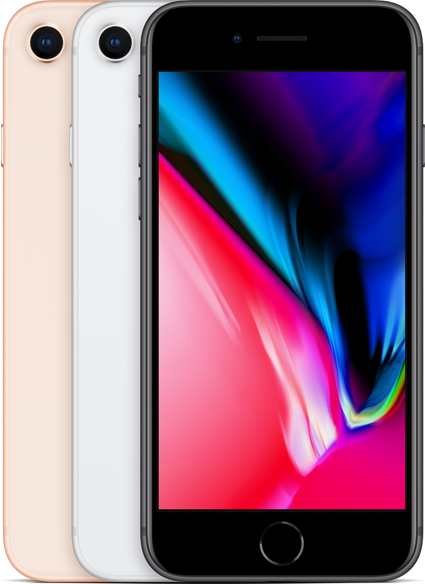
This is why I’ve chosen to film my title sequence using my iPhone 8. My iPhone camera autofocuses, which will be a huge help during the filming process. iPhone cameras are also compact, so transporting them to and from shooting locations will not be a challenge. Here’s a list of some other benefits an iPhone camera includes:
- 4K video recording at 24 fps, 30 fps, or 60 fps
- 1080p HD video recording at 30 fps or 60 fps
- 720p HD video recording at 30 fps
- Optical image stabilization for video
- Quad-LED True Tone flash
- Slo-mo video support for 1080p at 120 fps and 240 fps
- Time‑lapse video with stabilization
- Cinematic video stabilization (1080p and 720p)
- Continuous autofocus video
- Take 8MP still photos while recording 4K video
- Playback zoom
- Video formats recorded: HEVC and H.264
Sound
I plan to use my iPhone camera to record as much sound as I possibly can, but I will definitely go back during post production and record more sound. My title sequence has no dialogue, so I don’t have to worry about recording that. I will mostly have ambient sound.
 A Lot To Learn